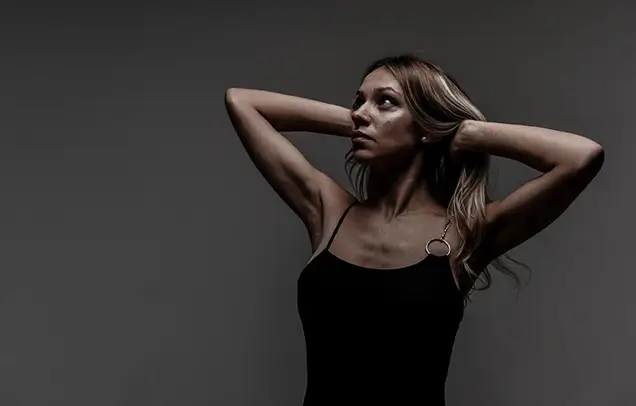
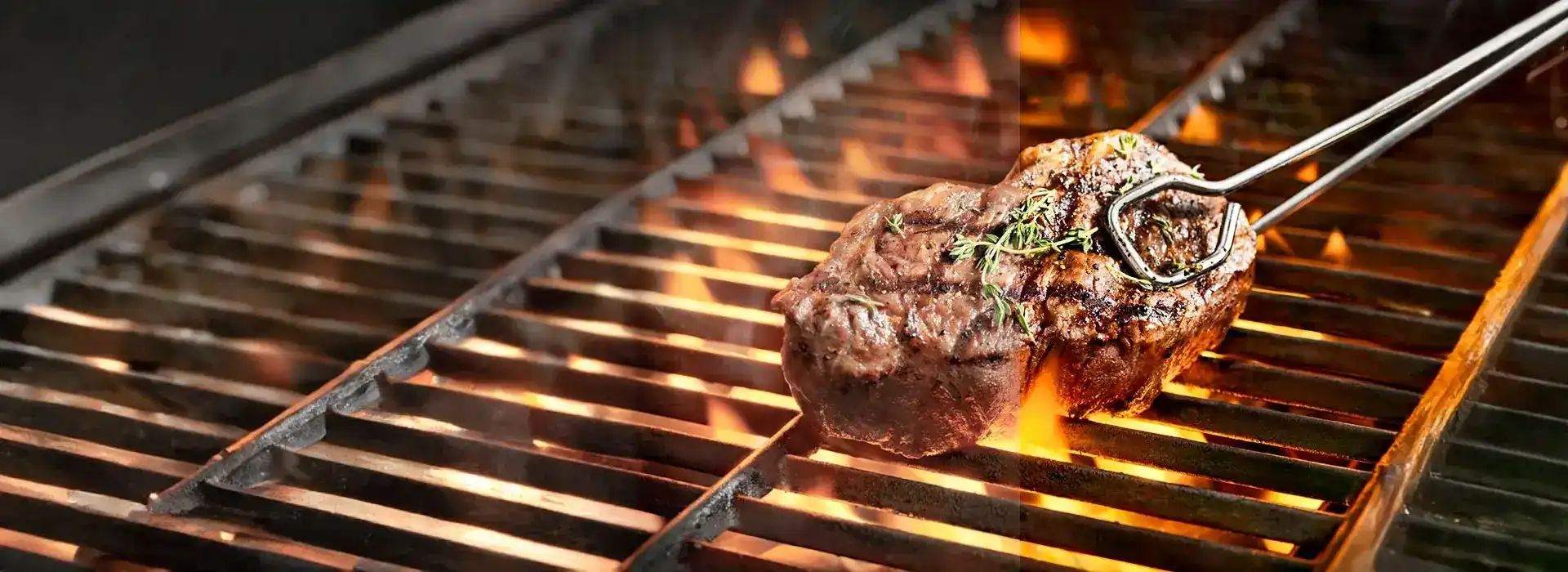
At MAPSystems, we provide the best stock photo retouching services to make your generic images look vibrant. With an experienced team of editors, we offer state-of-the-art services with exceptional processing of images. We have the skills and know-how to make your images appear more vivid. Stock photo retouching is the process of manipulating a digital image to correct or enhance certain aspects of its appearance, such as the subject’s skin tone, wrinkles, lighting, etc. This is because the images purchased through the internet might not align with your brand’s aesthetic. As a result, some pictures might look noticeably staged and perfect.

Our image editing experts enhance photo quality and clarity by eliminating grain (luminance and/or color noise). Our photo editing specialists ensure that stock photos are crisp, professional and ready for commercial use by using techniques like photo clipping path, image sharpening, image enhancement and noise reduction (denoising).
Get a free trial
We manually isolate subjects with soft, complex or semi-transparent edges (hair, fur, glass) from their backgrounds. Image masking allows precise background removal/replacement and subject enhancement while preserving the fine details. Techniques include alpha channel masking, quick masking, complex or advanced layer masking, clipping path, vector masking and collage masking
Get a free trial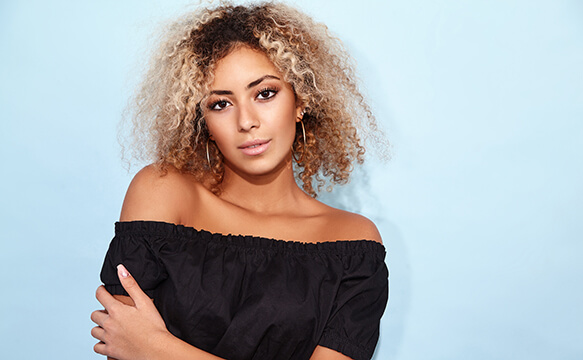
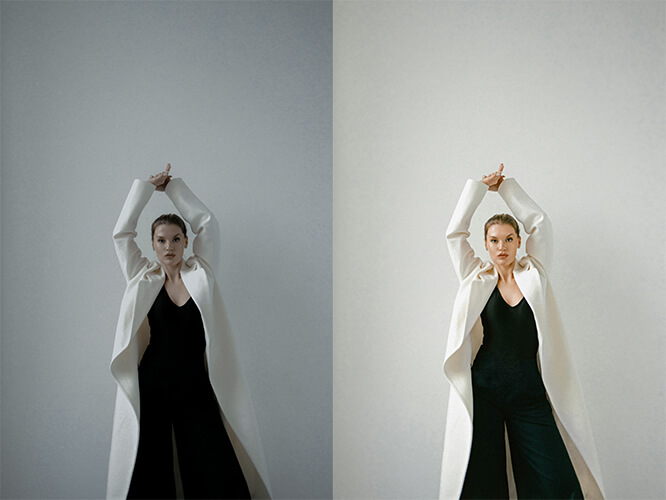
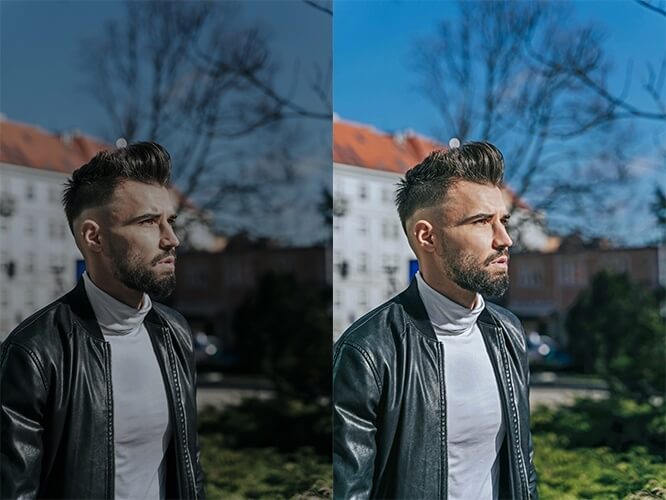
Our photo editing specialists ensure that stock photos have accurate, consistent and vibrant colors, which improves their overall quality for commercial use. Color correction services involve adjusting brightness, contrast, white balance, saturation, vibrance, color temperature and tint. It removes color casts, corrects lighting issues and creates natural, eye-catching results.
Get a free trial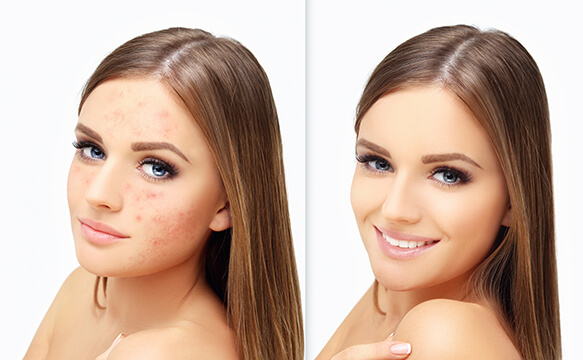
We remove dust specks, small marks, spots and blemishes to make stock images clean, high-resolution and ready for commercial use. Distractions like sensor dust, skin blemishes, lens smudges, stray hair and unwanted background debris are removed to create a professional result. Techniques we use include clipping path, spot healing and airbrushing.
Get a free trial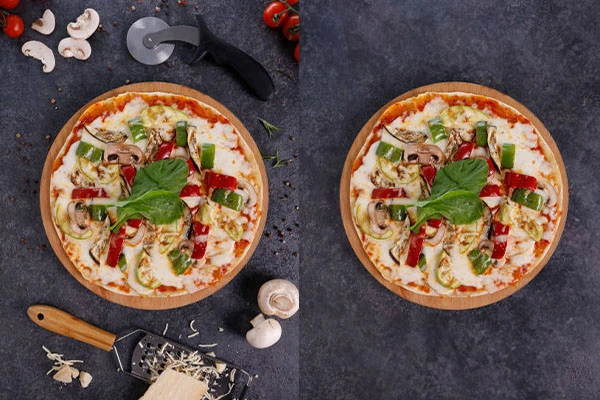
We balance photo composition and remove unwanted objects and distractions like wires, tourists, furniture or trash to enhance image quality and boost visual appeal. Some procedures include clipping path, cropping, inpainting, cleaning up patches/scratches, object removal from background/foreground and shadow adjustment.
Get a free trialAt MAPSystems, we understand that you need to find the right stock photo retouching service provider. However, it is important for you, as a business owner or a professional, to have confidence in the service provider that you choose to work with. We want our clients to feel confident about their decision, which can only be accomplished through honesty, transparency, and high-quality service. Our stock photo picture retouching specialists are highly skilled at providing top-grade photo editing and photo retouching services. We have quick process management in place to generate the desired output. Our well-trained designers ensure quality excellence, and they constantly strive to create a record of success in every project that they handle. Hence, outsource your stock photo editing services to us now.
Our stock photo retouching services come at affordable prices, making them accessible to all businesses, from large-scale to small startups. Individuals will also find our stock photo retouching prices reasonable.
We at MAPSystems understand that companies and individuals value and look for privacy and security of data. When you choose our services, we ensure that all your information is kept confidential at all costs.
Our team hands over deliverables that offer a seamless viewing experience, optimized for web and print purposes, and compatible with multiple software. The file formats include JPG, PNG, TIFF, SVG, and GIF.
Our photo editing projects always have a quick turnaround time as we value and respect our clients' time and urgency.
MAPSystems is an ISO-certified creative and tech company. All our professionals strictly maintain international quality standards in their work.
Our stock photo retouching services can be scaled up and down per your needs. We assign the appropriate team size based on requirement and project urgency.
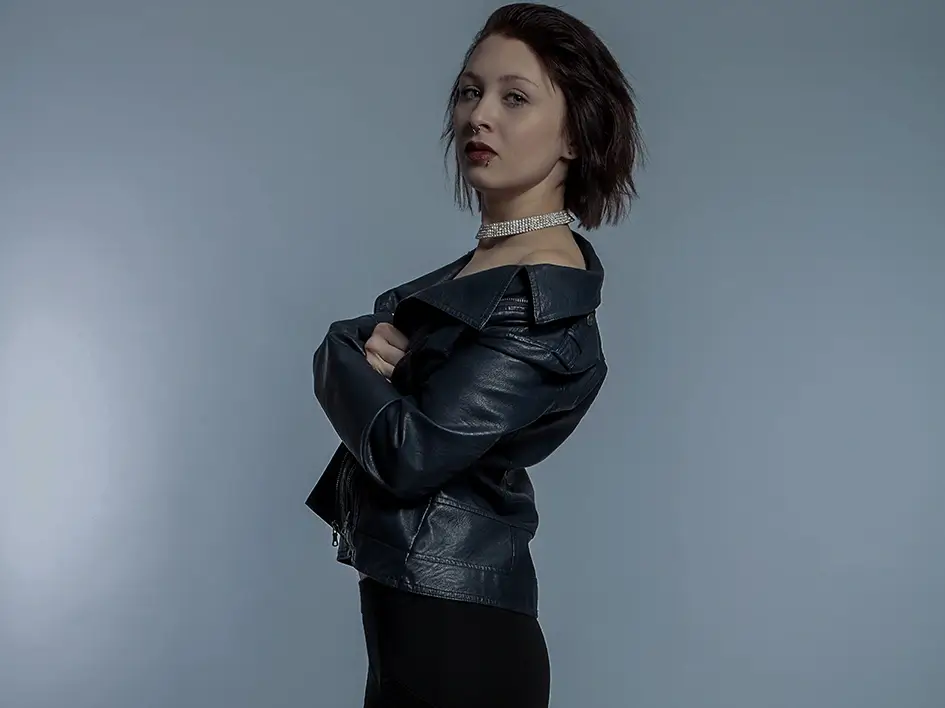 Click to see before & after
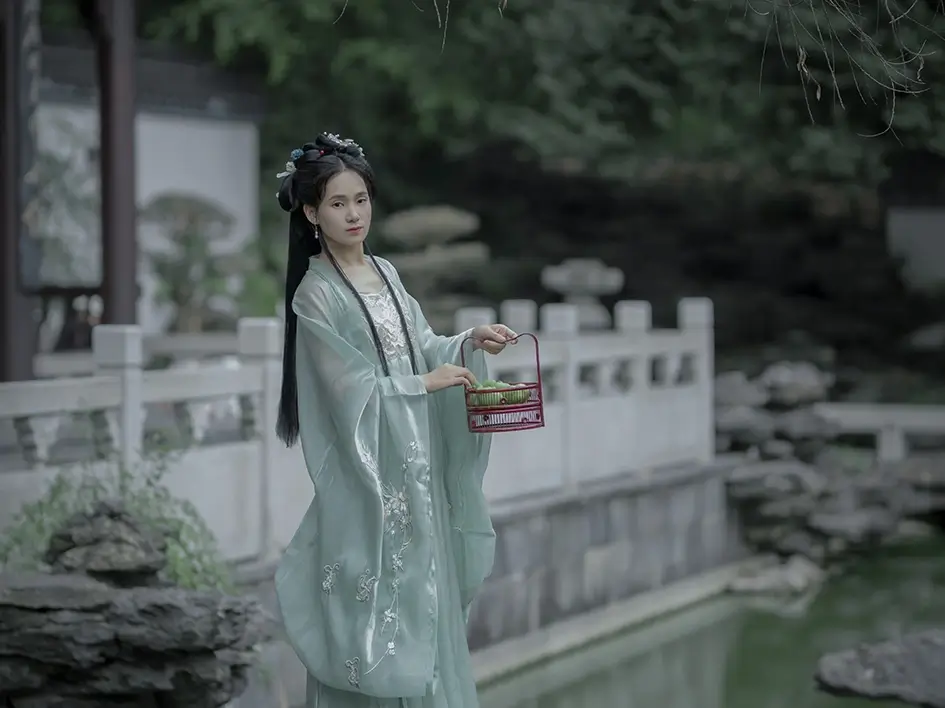 Click to see before & after
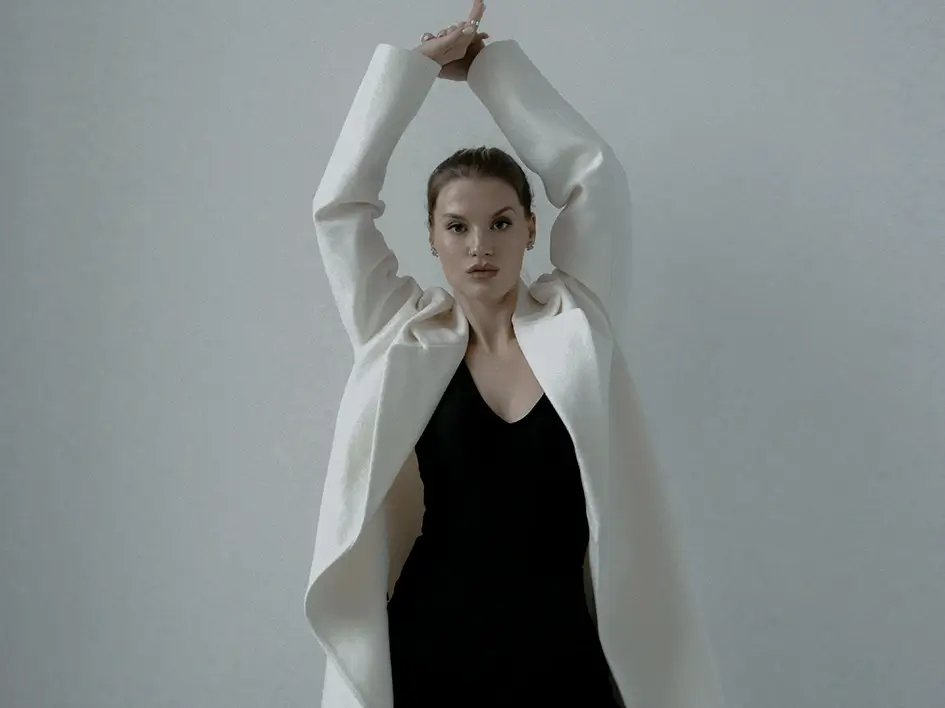 Click to see before & after
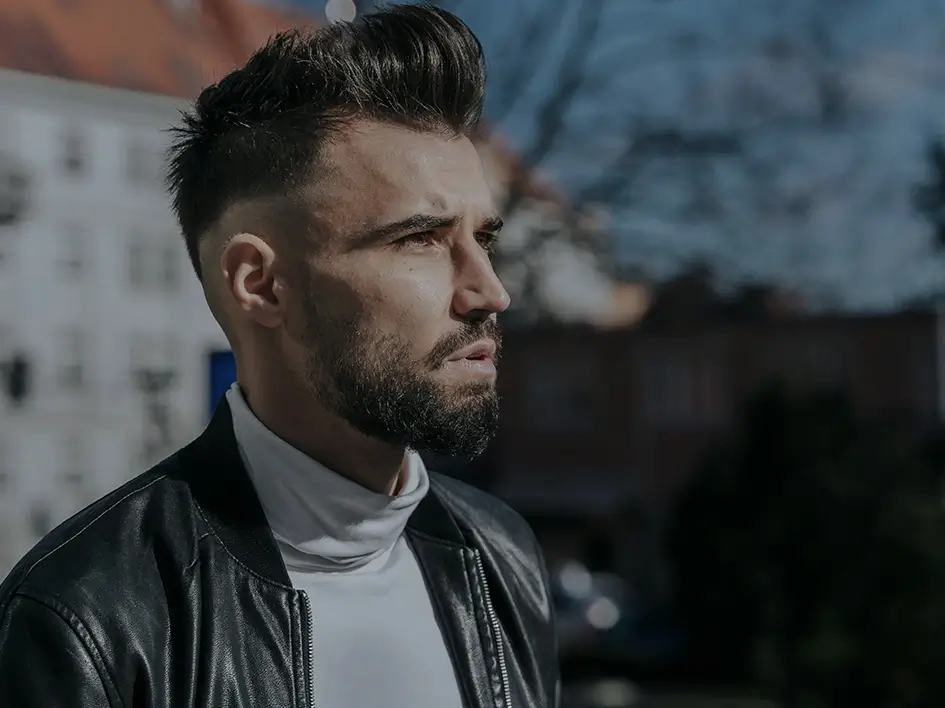 Click to see before & after
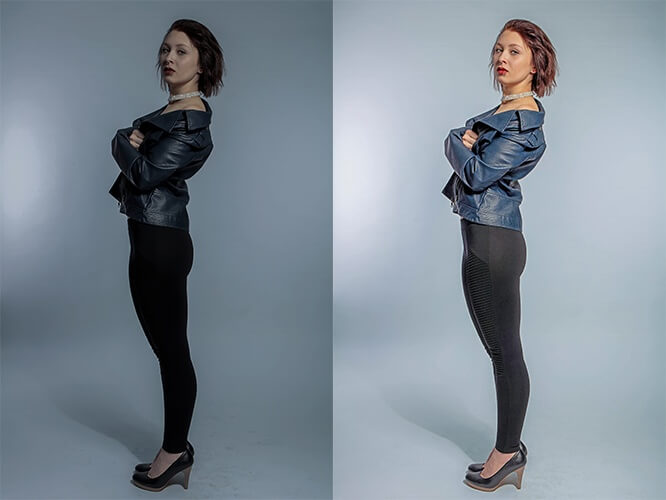
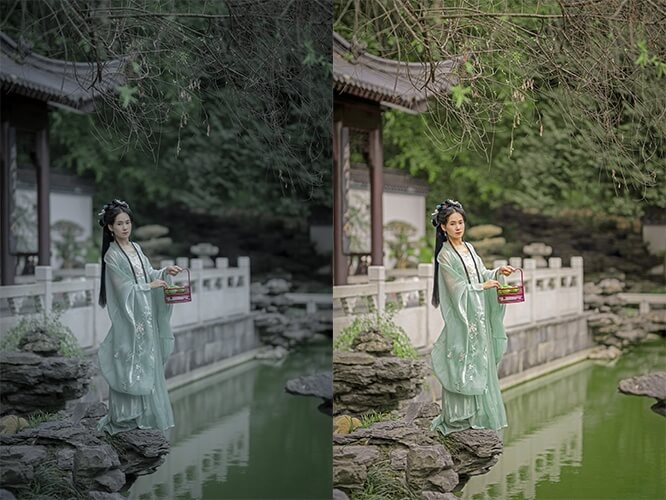

Get in touch with us to learn more about our services. Request a free quote now!
Contact UsThe client’s purpose of getting old and crumpled photographs restored convincingly
READ MOREGo through this case study to understand how America’s largest automobile company...
READ MOREThe customer is based in the US and runs photo studios; they wanted to establish their business...
READ MORE









It has been more than 5 years since we have been associated with MAPSystems for stock photo editing services. We are also a photography studio and often face situations when we are unable to handle all the editing work. MAPSystems has always been our savior during that time. We look forward to strengthening our business relationship with each passing year.
I reached out to MAPSystems for retouching stock images. They worked according to my schedule and delivered all the pictures on time. I was happy with their dedication and quality of work.
We needed to edit our stock photo collection to meet brand and campaign requirements. The team handled color grading, object removal and background enhancements with a very consistent style. The images were also updated to looked fresh and commercially ready. it allowed us to repurpose assets across ads, social media and website banners without needing new shoots.
Feel free to contact us at any time. Our sales team will get
in touch with you at the earliest.